Standard, Safer, and Safest Compared
The table below follows the Tor Project's security levels documentation as checked on October 7, 2026. Wording may shift slightly in future Tor Browser releases — confirm in Settings if something looks different on your build.
| Level | JavaScript | Fonts / math symbols | Images / icons | HTML5 audio / video | Typical compatibility |
|---|---|---|---|---|---|
| Standard (default) | Enabled on all sites | Enabled | Enabled | Allowed (not restricted to click-to-play) | Most modern sites work; largest attack surface |
| Safer | Disabled on non-HTTPS sites | Some fonts and math symbols disabled | Generally still shown | Click-to-play | Many sites work; HTTP-only pages lose scripts |
| Safest | Disabled on all sites by default | Some fonts, icons, and math symbols disabled | Some images disabled | Click-to-play | Static and basic sites; dynamic apps often fail |
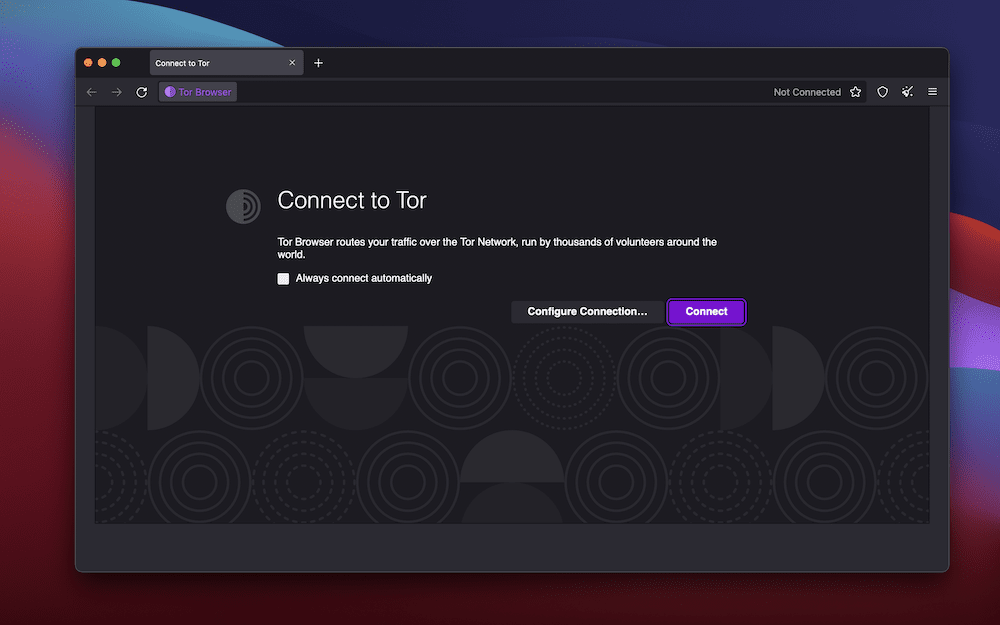
Change the level from the shield icon in the toolbar → Settings, or through Privacy and Security in the main settings panel. Tor Browser asks you to save and restart so the restrictions apply consistently.